

Download Lunchbox Recipes APK – lunchbox recipes, healthy lunch ideas, easy lunch recipes, nutritious meals, baby food recipes, picnic recipes, vegan lunch ideas, vegetarian lunch recipes, dairy-free recipes, egg-free recipes
Overview
Lunchbox Recipes is a free Android application developed by Starsky Creative Ltd. Natalie Peall, designed to deliver a curated collection of 90 nutritious and flavorful lunch ideas. The app targets users seeking variety and health-conscious meal options for daily lunches, picnics, or family meals. It is suitable for individuals across all age groups, including parents preparing meals for weaning babies and adults looking for balanced, ready-to-make recipes. The app addresses common challenges such as meal monotony, dietary restrictions, and the need for quick, healthy solutions. By offering a diverse range of recipes, Lunchbox Recipes helps users maintain nutritional balance while keeping meals exciting and enjoyable. Its focus on dietary inclusivity—supporting vegetarian, vegan, dairy-free, and egg-free preferences—makes it a practical tool for households with specific dietary needs. The app is ideal for home cooks, caregivers, and health-conscious individuals who want to simplify lunch planning. The developer has emphasized regular updates and ongoing improvements, indicating a commitment to user experience. The app is available for free on Google Play, with no additional in-app purchases mentioned. It was released on March 15, 2025, and is currently in version 1.0.2.
Key Features & Capabilities
- 90+ Nutritious Recipes – Offers a wide selection of healthy, balanced meals suitable for all ages, from baby weaning to adult consumption.
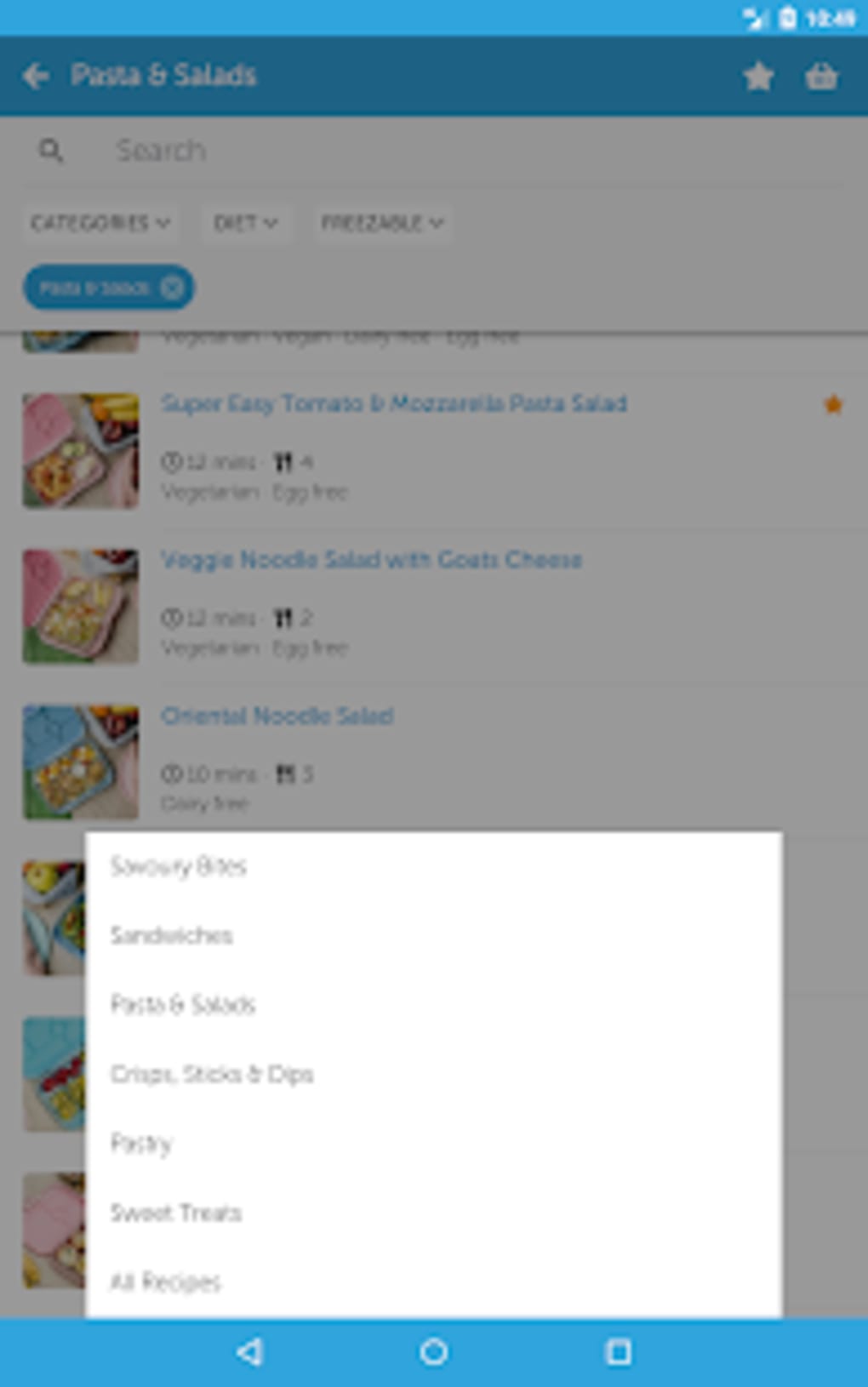
- Search and Filter Tools – Users can search recipes by name or ingredient and filter results based on dietary preferences such as vegetarian, vegan, dairy-free, and egg-free.
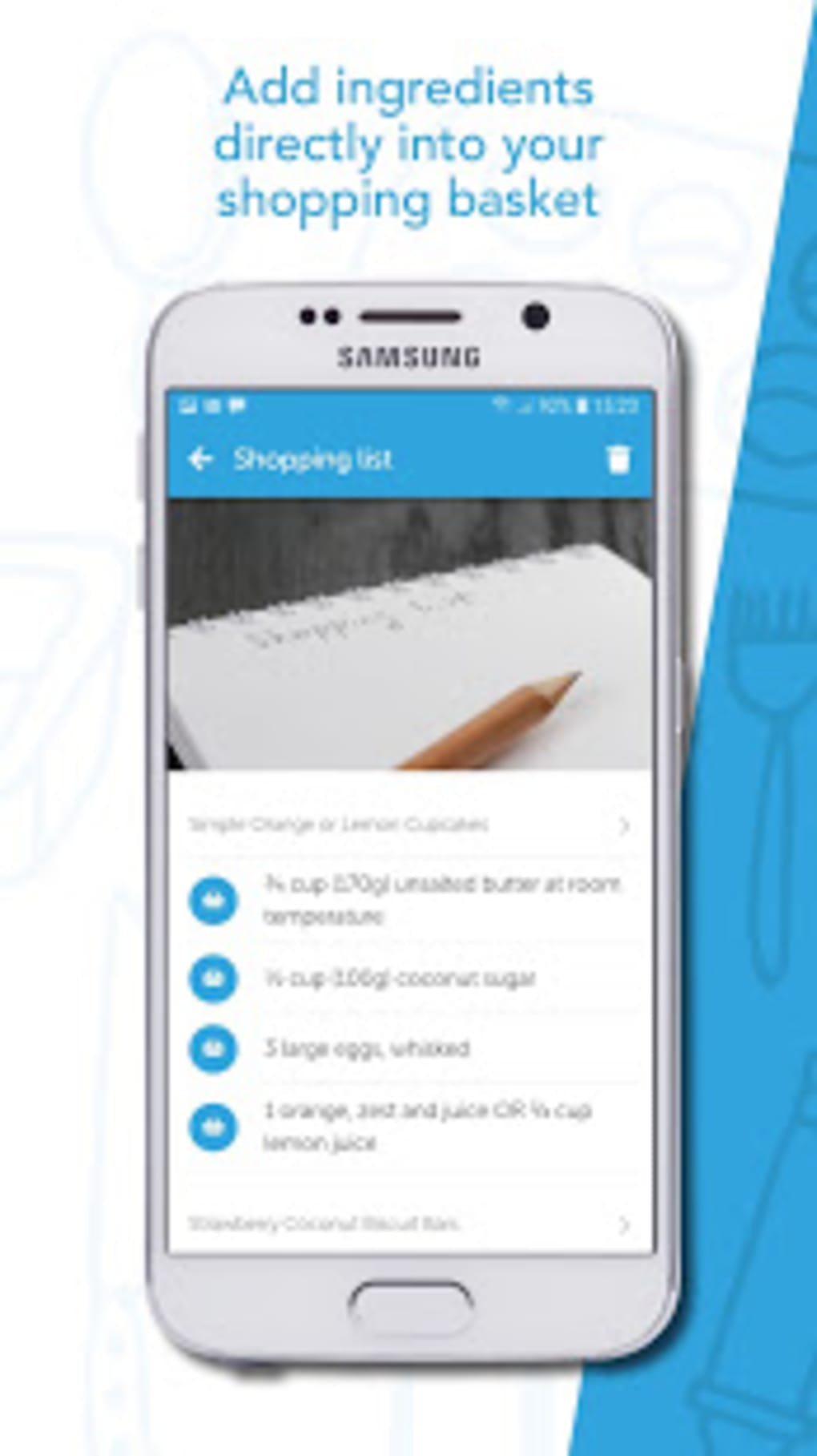
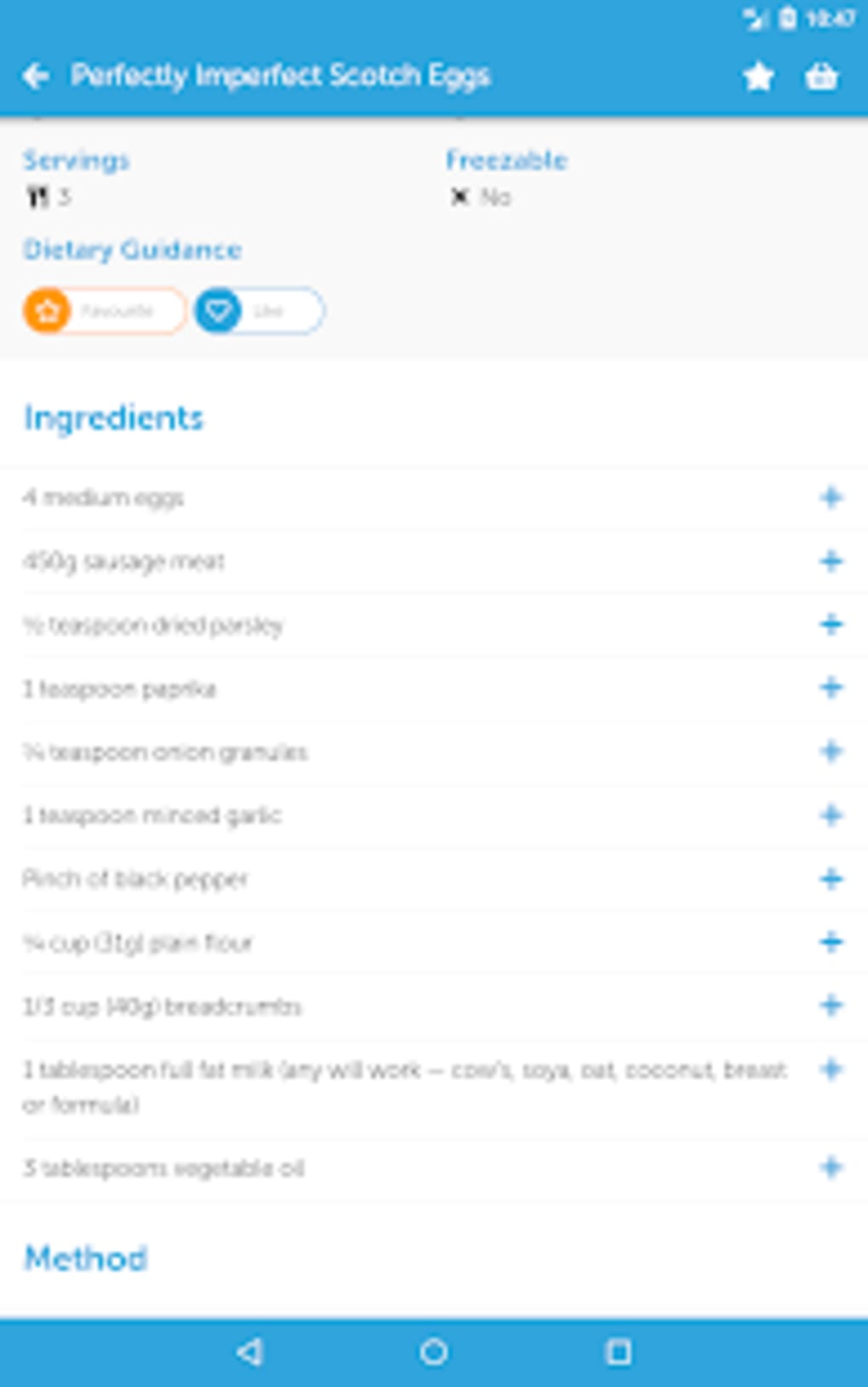
- Favorites and Shopping Integration – Allows users to save favorite recipes and add ingredients directly to a shopping basket for streamlined grocery planning.
- Intuitive Design – Features a clean, bright interface that enhances readability and ease of navigation.
- Regular Updates – The developer promises ongoing improvements and new content additions to keep the experience fresh and relevant.
These features collectively support efficient meal planning, reduce decision fatigue, and simplify the transition from recipe discovery to grocery shopping. For example, a parent can quickly filter for dairy-free options, save a recipe for the next school lunch, and add all required ingredients to their shopping list in under two minutes. Similarly, someone planning a picnic can search for easy-to-pack, nutritious meals and filter by vegan or vegetarian criteria. The app’s structure enables users to move seamlessly from idea generation to execution, making it a practical tool for busy households.
User Interface, Workflow & Performance
The user interface of Lunchbox Recipes is described as clean and bright, suggesting a visually appealing layout with clear typography and organized content. Navigation appears to be straightforward, allowing users to browse recipes, search by keyword, or apply filters with minimal effort. The workflow is designed to support quick access to relevant content, with features like favorites and shopping basket integration streamlining the user journey. While specific performance metrics such as CPU usage, RAM consumption, or load times were not provided, the app’s lightweight nature—reported at 18.2 MB—suggests efficient resource management. The developer did not specify detailed performance behavior, but the compact size and standard Android design patterns imply stable operation on devices running Android 6.0 and above. Stability and responsiveness are likely optimized for typical mobile use, though real-world testing data was not included. The app’s design emphasizes usability, making it accessible even to users with limited technical experience. The absence of reported bugs or crashes in public channels indicates a stable release, though user feedback is not available for verification.
Compatibility & System Requirements
Lunchbox Recipes is compatible with Android 6.0 and above, ensuring accessibility across a wide range of devices, including older models. The app has a file size of 18.2 MB, which is relatively small and conducive to quick downloads and minimal storage usage. The software version is 1.0.2, indicating a stable, well-maintained release. The developer did not provide additional system requirements, such as minimum RAM, processor speed, or storage space beyond the app size. Compatibility information was partially provided, focusing on the operating system and version. No specific hardware requirements were mentioned. The app is available exclusively through the Google Play Store, and no alternative distribution channels were noted. Users on devices running Android 6.0 or later should be able to install and use the application without compatibility issues, though performance may vary depending on individual device specifications.
Pros and Cons
Pros
- Free to download and use with no in-app purchases mentioned
- Offers 90+ nutritious and diverse recipes suitable for all ages
- Supports multiple dietary restrictions with filtering options
- Intuitive, clean interface with easy navigation
- Includes shopping basket integration for convenient grocery planning
- Regular updates and developer support through an online group
Cons
- App size and features may limit advanced functionality for power users
- No detailed performance or system requirement specifications provided
- Only available on Android, with no support for iOS or other platforms
- Limited to recipe content; no meal planning calendar or tracking tools
- Offline functionality details were not specified
FAQ Section
Is Lunchbox Recipes available for iOS devices?
The app is currently only available for Android. There is no information about an iOS version at this time.
Can I use Lunchbox Recipes offline?
Information regarding offline functionality was not provided. Users may need an internet connection to access recipes and features.
Is the app safe to download?
Yes, Lunchbox Recipes is available for free on the Google Play Store, which includes security checks. The app is developed by Starsky Creative Ltd. Natalie Peall and has been updated regularly.
Are there any in-app purchases or ads?
The app is listed as free with no mention of in-app purchases or advertisements in the provided information.
How often is Lunchbox Recipes updated?
The developer promises regular updates and improvements to enhance the user experience. The latest version is 1.0.2, released on March 15, 2025.
Final Thoughts
Lunchbox Recipes stands out as a practical, user-friendly tool for anyone seeking healthy, diverse lunch options. Its clean design, comprehensive dietary filters, and shopping basket integration make it a valuable asset for parents, caregivers, and health-conscious individuals. The app effectively bridges the gap between recipe discovery and meal preparation, simplifying daily planning. While it lacks advanced features like meal tracking or calendar integration, its core functionality is well-executed and focused. The free availability, regular updates, and strong emphasis on inclusivity enhance its appeal. For users looking for a straightforward, reliable solution to lunchbox and picnic meal ideas, Lunchbox Recipes delivers a solid experience. With its broad age range suitability and attention to dietary needs, it serves as a go-to resource for nutritious, easy-to-make meals. Download Lunchbox Recipes now.




.png)


